
You can adjust the brightness to your preferred level.

Select the Manual recording mode.
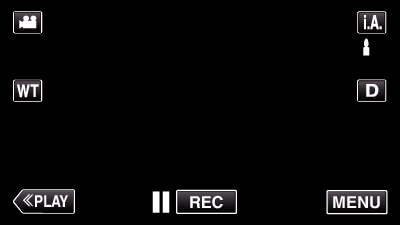
- If the mode is
 Intelligent Auto, tap on the recording screen to display the mode switching screen.
Tap to switch the recording mode to Manual.
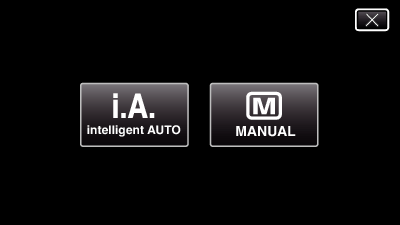

Tap “MENU”.
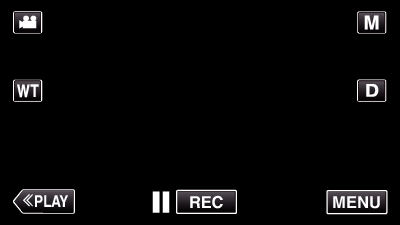
- The shortcut menu appears.

Tap “MENU” in the shortcut menu.
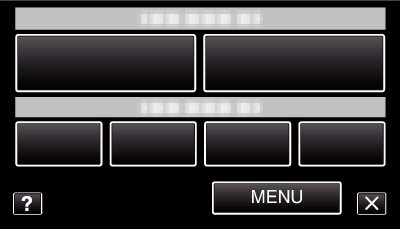

Tap “BRIGHTNESS ADJUST”.
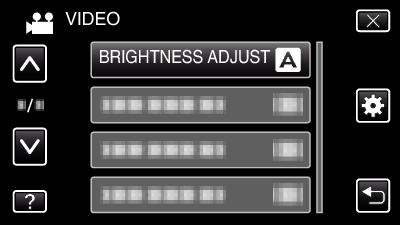
- Tap
 or
or  to move upward or downward for more selection.
- Tap
 to exit the menu.
- Tap
 to return to the previous screen.

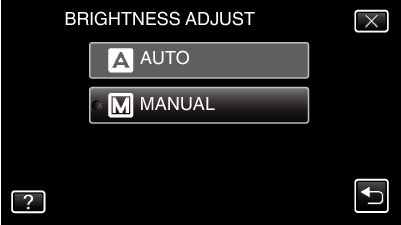
Tap “MANUAL”.

Adjust the brightness value.
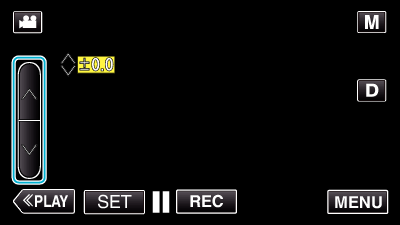
- Compensation range during video recording: -2.0 to +2.0
- Compensation range during still image recording: -2.0 to +2.0
- Tap to increase the brightness.
- Tap to decrease the brightness.

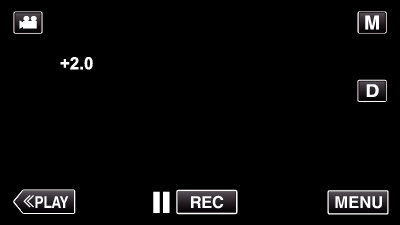
Tap “SET” to confirm.
Memo
- Settings can be adjusted separately for videos and still images.