
Deleting Connection Settings

Select [Network]  [Connection Setup] [Setup File] and press the Set button (
  ).
).
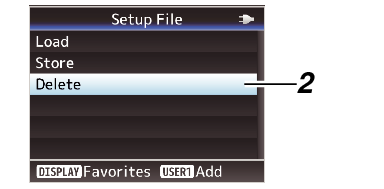
[Connection Setup] [Setup File] and press the Set button ( ).Select [Delete] and press the Set button ( ).
).
Select the file to delete using the cross-shaped button ( 
 ), and press the Set button ( ).
), and press the Set button ( ).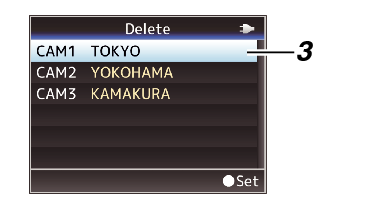
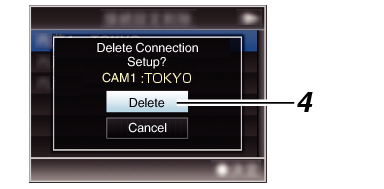
Select [Delete] on the confirmation screen, and press the Set button ( ).
).Deletion starts, and “Deleting...” appears on the screen.
Deletion is complete.
After file deletion is complete, “Complete” appears on the screen.
