
Recording |
Setting White Balance |
You can set the color tone to suit the light source.
- 1
- 2
- 3
- 4

Press MENU to display the menu.


Select “MANUAL SETTING” with the ZOOM/SELECT lever and press OK.
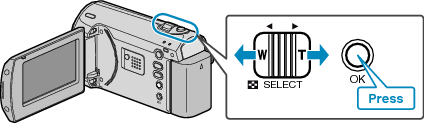
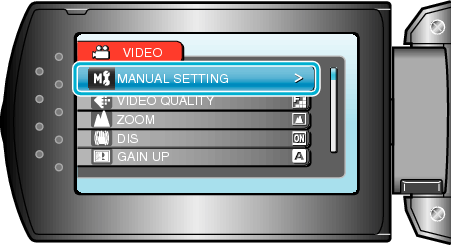

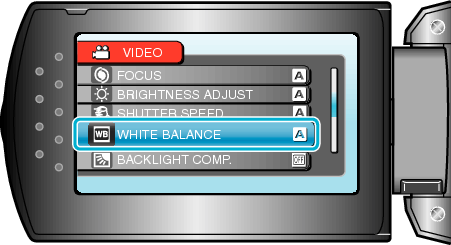
Select “WHITE BALANCE” and press OK.

Select the white balance setting and press OK.
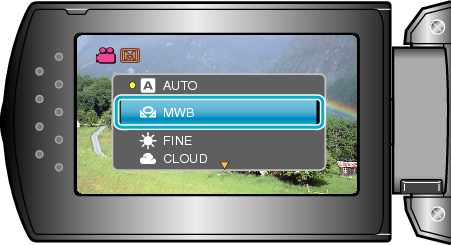
| Setting
|
Details
|
|---|---|
|
AUTO |
Adjusts automatically to the natural colors. |
|
MWB |
Use this when the problem of unnatural colors is not resolved. |
|
FINE |
Set this when shooting outdoors on a sunny day. |
|
CLOUD |
Set this when shooting on a cloudy day or inside a shade. |
|
HALOGEN |
Set this when shooting under illumination such as a video light. |