
> Connecting (Power On) > Pairing (Registering a device)
Pairing (Registering a device)
-
1Check that the indicator is turned off.
-
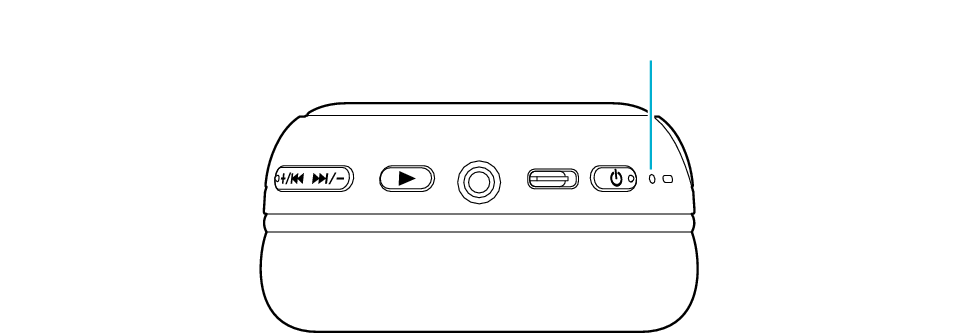
Light out
-
2Press and hold the Power button (
 ) until the indicator starts to flash quickly and repeatedly.
 -
Release your finger once you confirmed that the indicator is repeatedly flashing.
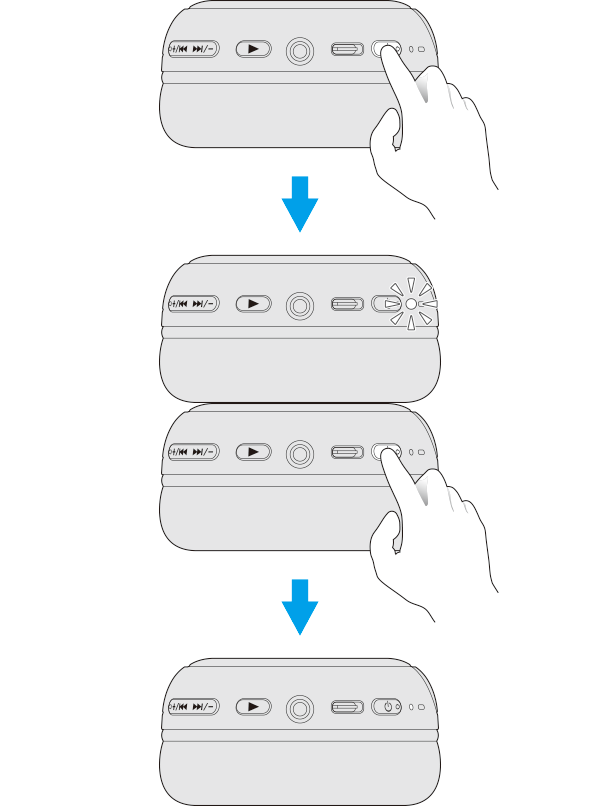
If the indicator does not flash quickly (flashing slowly, for example), refer to Power Off to turn off the power, then press and hold the Power button (
) again. -
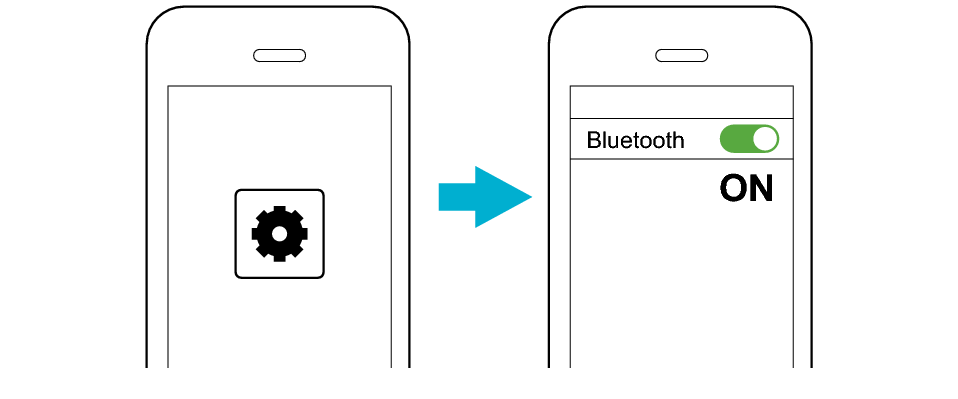
3Turn on the Bluetooth function of the BLUETOOTH device.
-
-
4Select “JVC HA-S59W” from the device list.
-
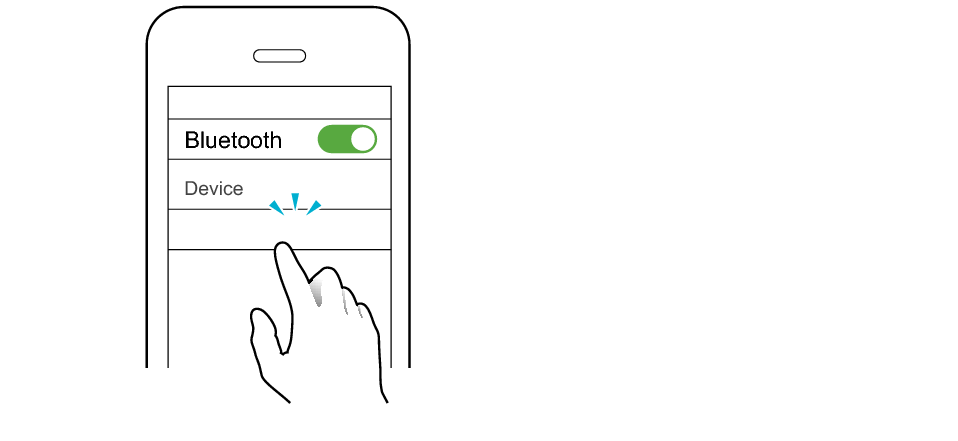
JVC HA-S59W
The indicator flashes slowly when a connection is completed.

If connection (pairing) is not completed within 5 minutes after the indicator starts flashing, the System automatically turns itself off.