
Recording |
Reducing Camera Shake |
When the image stabilizer is set, camera shake during recording can be effectively reduced.
- 1
- 2
- 3

Tap “MENU”.
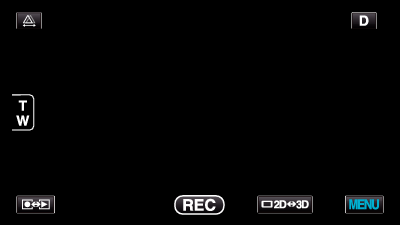

Tap “DIS”.


Tap “ON” or “ON (AIS)”.

Tap ∧ or ∨ to move upward or downward for more selection.
Tap  to exit the menu.
Tap  to return to the previous screen.
| Display | Setting |
|---|---|
 ( OFF) ( OFF) |
Deactivates image stabilizer. |
 ( ON) ( ON) |
Reduces camera shake under normal shooting conditions. |
 ( ON (AIS)) ( ON (AIS)) |
Reduces camera shake more effectively when shooting bright scenes on the wide angle end. |
Memo
- It is recommended to set the image stabilizer to “OFF” when shooting a subject of little movement with the unit on a tripod.
- Complete stabilization may not be possible if camera shake is excessive.
- This setting is effective for video recording only.
 “ON”
“ON”