
Editando |
Protegendo Todos os Arquivos |
Protege todos os arquivos.
- 1
- 2
- 3
- 4
- 5

Selecione o modo de reprodução.


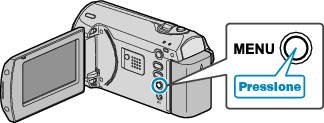
Pressione o botão MENU para exibir o menu.

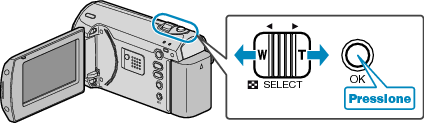
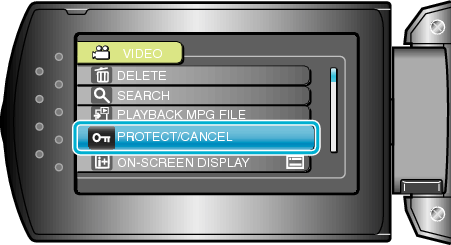
Selecione “PROTECT/CANCEL” (Proteger / Cancelar) com o botão ZOOM/SELECT e pressione OK.

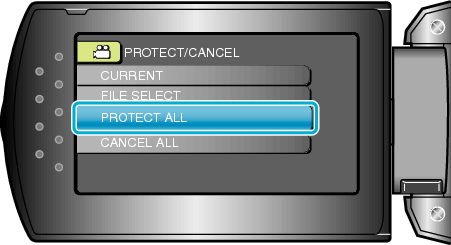
Selecione “PROTECT ALL” (Proteger todos) e pressione OK.

Selecione “YES” (Sim) e pressione OK.
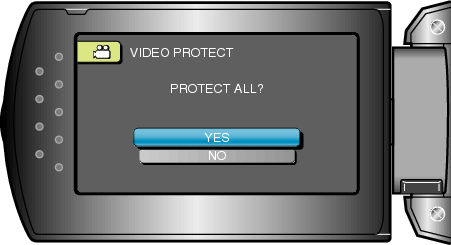
Após o ajuste, pressione OK.