
> Connecting > Pairing (Registering a device)
Pairing (Registering a device)
-
1Press the Power button.
-
All the left indicators flash rapidly in blue and the power turns on.

If the left indicators do not flash rapidly, press and hold the Pairing button for about 1 second.
-
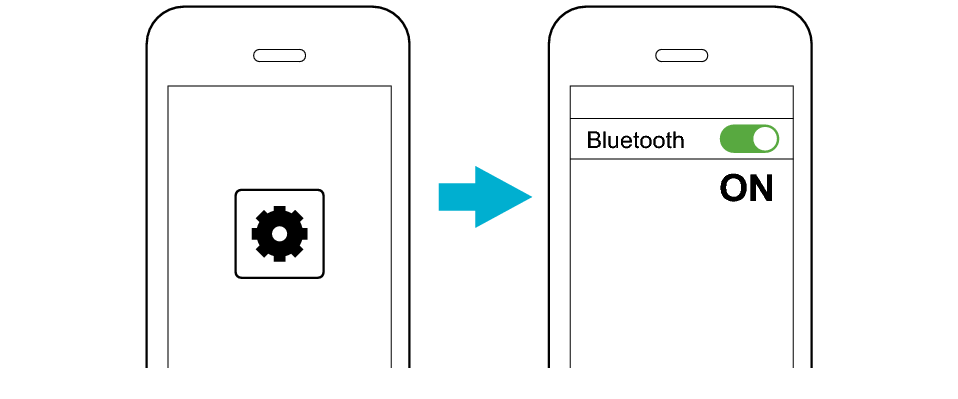
2Turn on the Bluetooth function of the BLUETOOTH device.
-
-
3Select “JVC SP-WS1BT” from the device list.
-

JVC SP-WS1BT
After connection is complete, the left indicators will light up in blue in a number that corresponds to the remaining battery level.

If connection (pairing) is not completed within 20 minutes after the indicator starts flashing, the System automatically turns itself off.
When you power on this unit again, it will attempt to establish a connection with the last connected device. If a reconnection cannot be established, operate the Bluetooth device following steps 2 to 3 to establish a connection.
-
1Press and hold the Pairing button for 1 second or longer.
-

The earphones are disconnected from the device that was connected until then, and are on standby for the next pairing.
-
2Turn on the Bluetooth function of the BLUETOOTH device.
-
-
3Select “JVC SP-WS1BT” from the device list.
-
JVC SP-WS1BT
After connection is complete, the left indicators will light up in blue in a number that corresponds to the remaining battery level.
If connection (pairing) is not completed within 20 minutes after the indicator starts flashing, the System automatically turns itself off.