Select the icon at the top of the menu to display its corresponding setting item as shown below.
Menu
TOP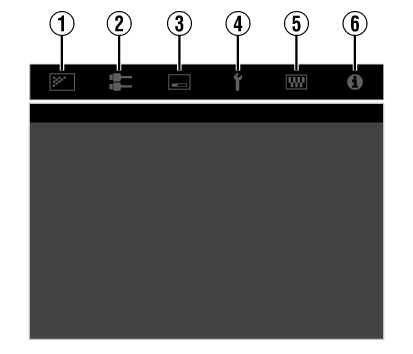
Picture Adjust

Input Signal

Installation

Display Setup

Function

Information


Select the icon at the top of the menu to display its corresponding setting item as shown below.
Getting Started
Set up
Operate
Adjust/Set
Maintenance
Troubleshooting
Others
 Picture Adjust
 Input Signal
 Installation
 Display Setup
 Function
 Information
