
> Connecting (Power On) > Pairing (Registering a device)
Pairing (Registering a device)
-
1Insert the earphones into the charging case.
-
The indicators for the earphones light up.
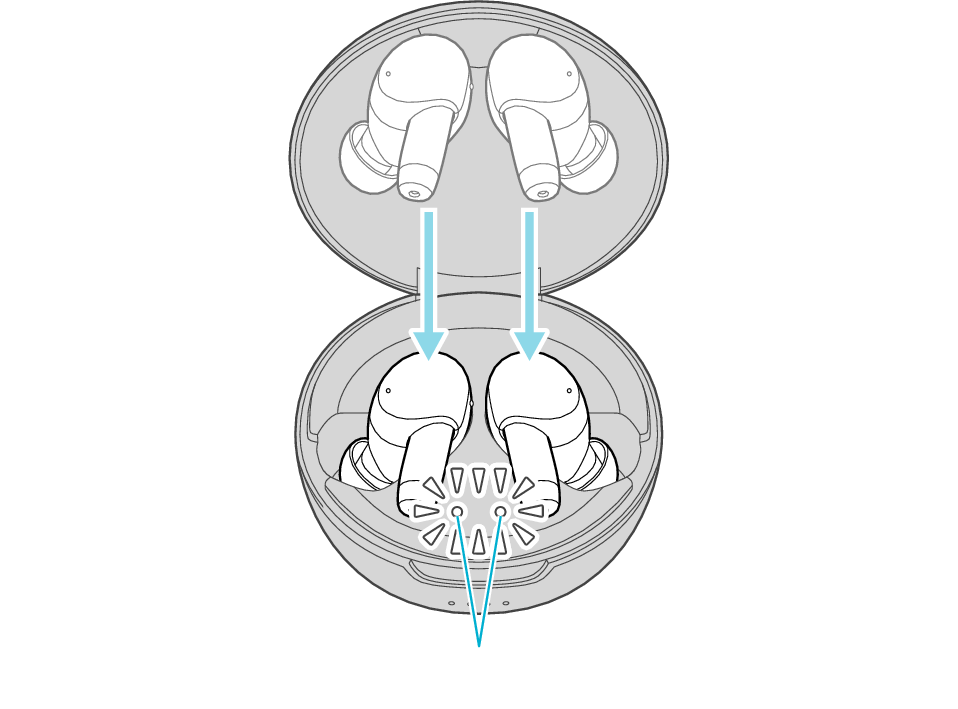
Indicators for the earphones
-
2Touch and hold the touch sensor on both the L (left) and R (right) earphones for about 5 seconds.
-
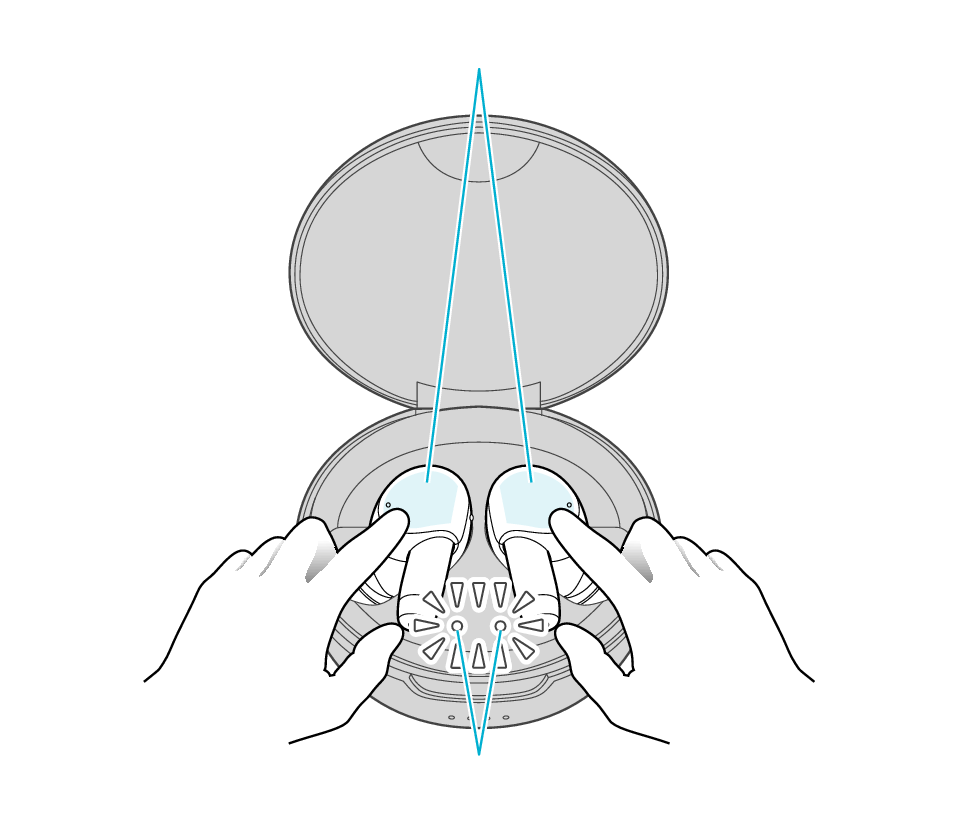
Touch sensor area
Indicators for the earphones
The indicators for the earphones start to flash quickly.
If the indicators for the earphones do not flash quickly, close the lid of the charging case, open it again, followed by tapping and holding the touch sensor on both the L (left) and R (right) earphones for about 5 seconds.
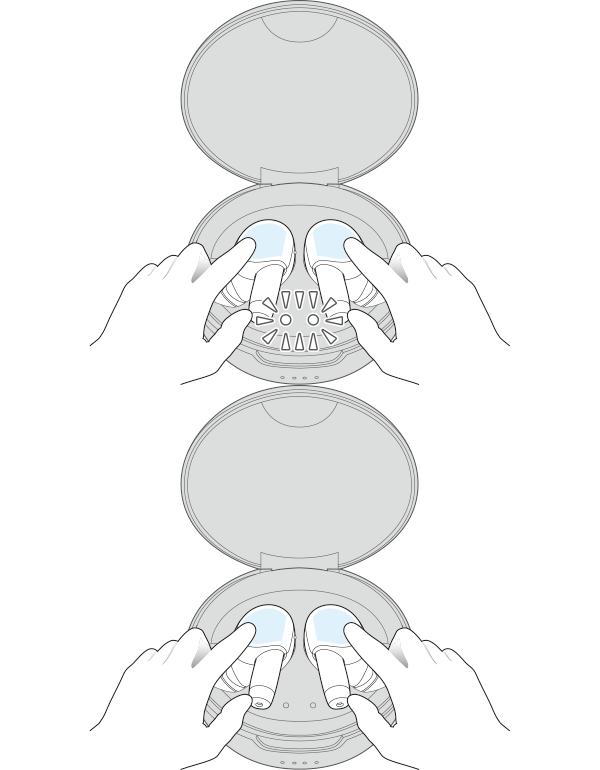
If a pop-up display appears on your Android device, perform connection by following the instructions on the display.
In other cases, try the steps below.
-
3Select the System on the BLUETOOTH device.
-
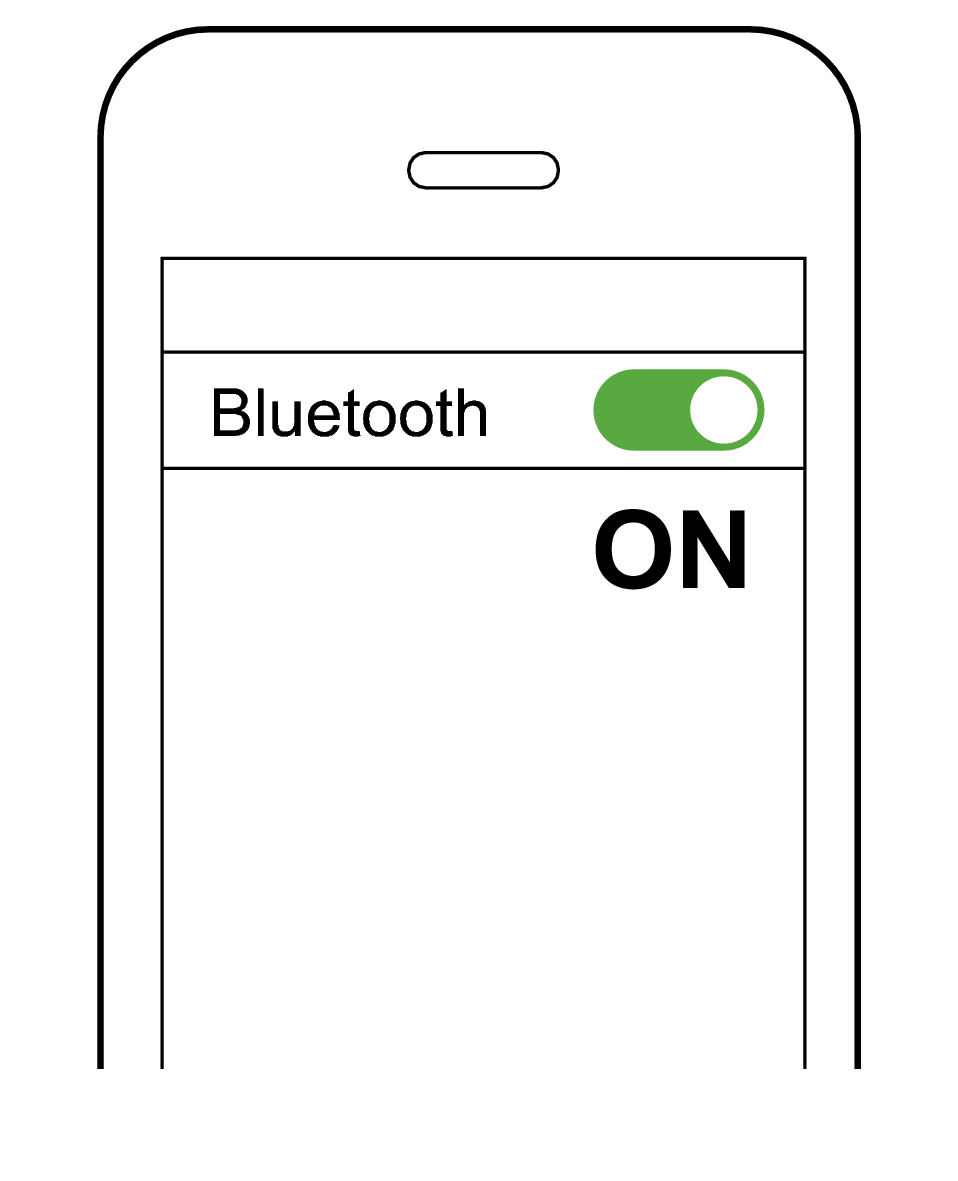
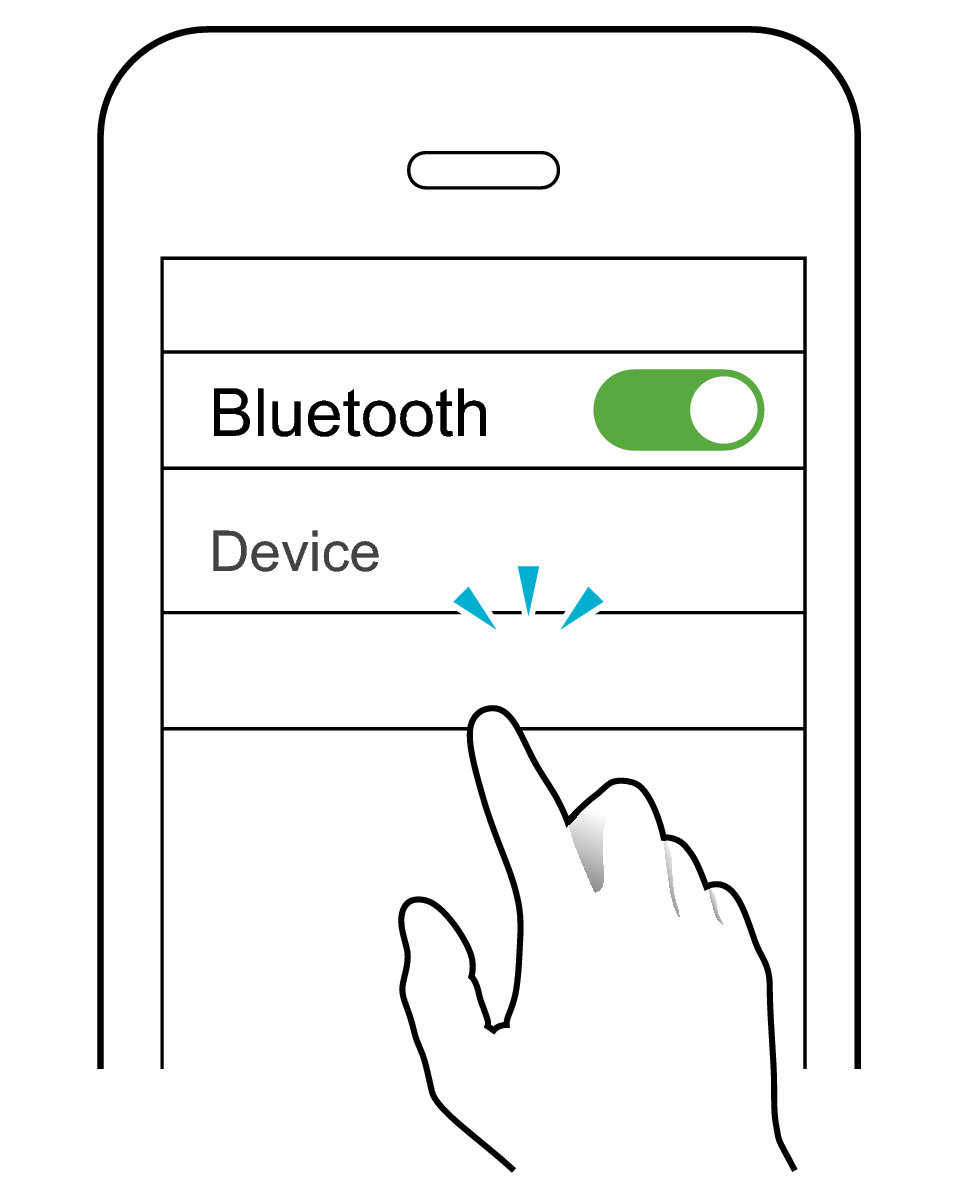
Turn on the BLUETOOTH function on the BLUETOOTH device, and then select this unit from the device list.

-
JVC WOOD masterpiece
Check the screen on the Bluetooth device to confirm whether connection is successful.
When connection is established, the L and R indicators for the earphones will start to flash slowly.
Once connection has been established, removing the earphones from the charging case turns on the power and they can now be used for listening to music.
If connection (pairing) is not completed within 5 minutes after the indicator starts flashing, the earphone automatically turns itself off.